Ghost CS 2
Variations
3
Ghost CS 2
Ghost CS 2
Product Features
Ghost CS 2
Aimbot
- Aim key and binds
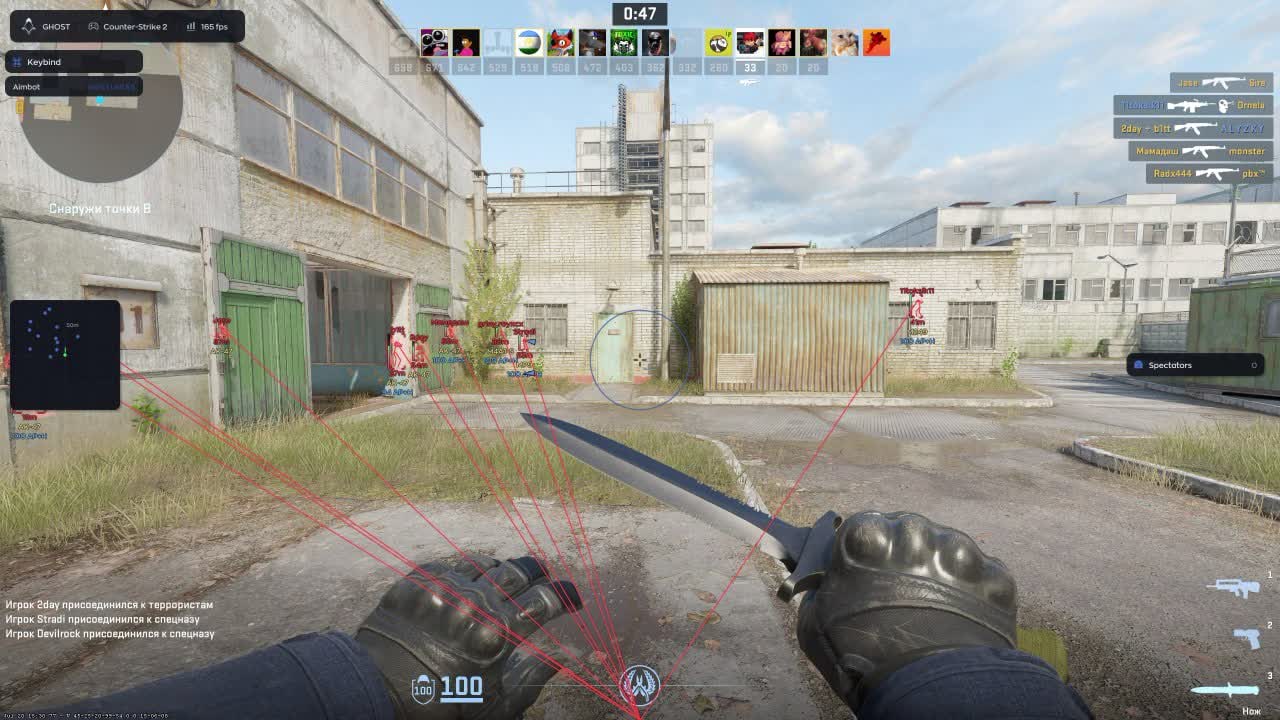
- The aim runs on its own key and can cover the whole arsenal or only the guns you pick. AWP and AK usually get different settings.
- Field of view
- The capture radius sits on a slider and the circle is drawn on screen in your color. You see the working zone instead of guessing why a target was skipped.
- Smoothing
- Drag intensity is adjustable. A soft value moves the crosshair like a human hand; a hard one settles close-range duels.
- Prediction
- Compensation for bullet travel time. At long range against a moving target the aim leads the shot instead of trailing behind.
- Hitbox and bones
- Head, chest, stomach or nearest point. Bone mode is either fixed or random, so hits do not land on the exact same pixel every time.
- Target priority
- Capture goes by proximity to the crosshair or by distance. In a scramble off spawn those are two different tactics.
- Visibility and smoke checks
- The aim only takes targets you can actually see and ignores anyone behind smoke. No shooting through a smoke in front of the whole server.
- Recoil control
- RCS with adjustable strength kills the climb. A long AK spray groups tightly without manual compensation.
- Auto body on low HP
- When your health drops, the aim switches from head to torso. The trade goes your way instead of into a missed neck shot.
- Humanizer
- Micro-movements, jitter, a dead zone, reaction delay and a speed ceiling. This block is what separates a legit setup from rage in a demo review.
- 3D preview
- A player model right in the menu: rotate it, click a bone, see the aim point immediately. A minute of setup with no live testing needed.
Player ESP
- Box and skeleton
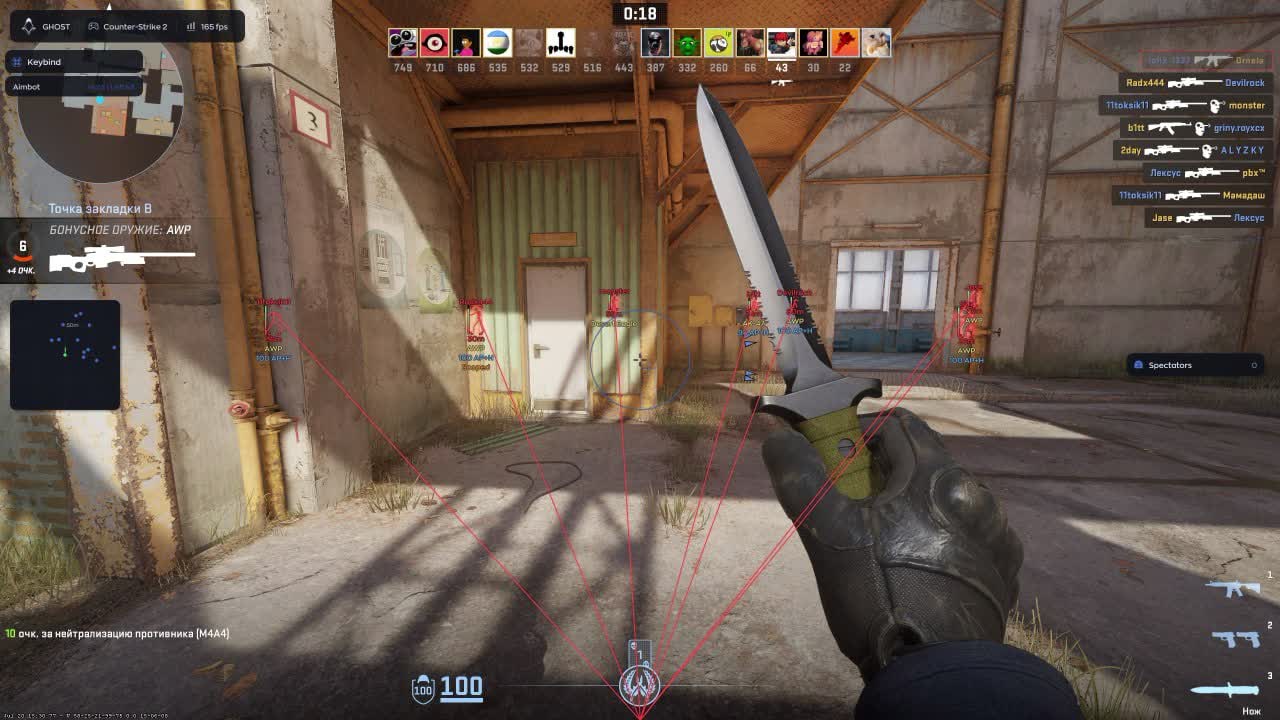
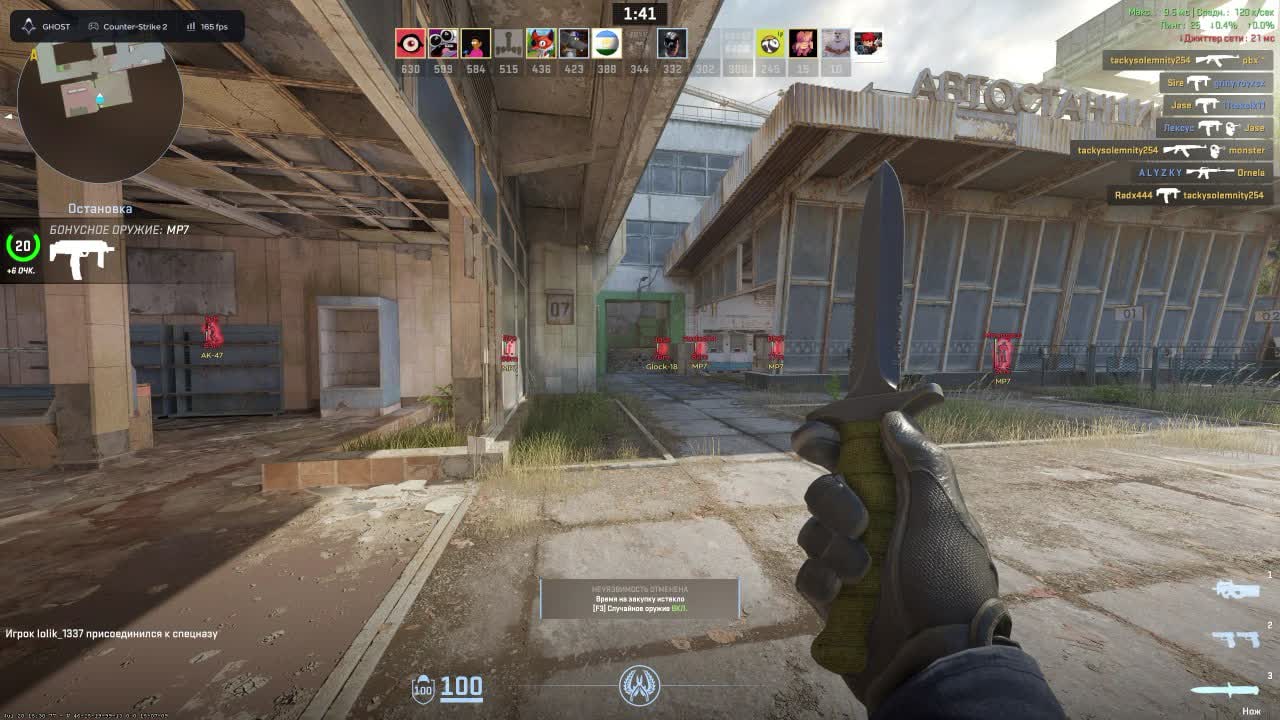
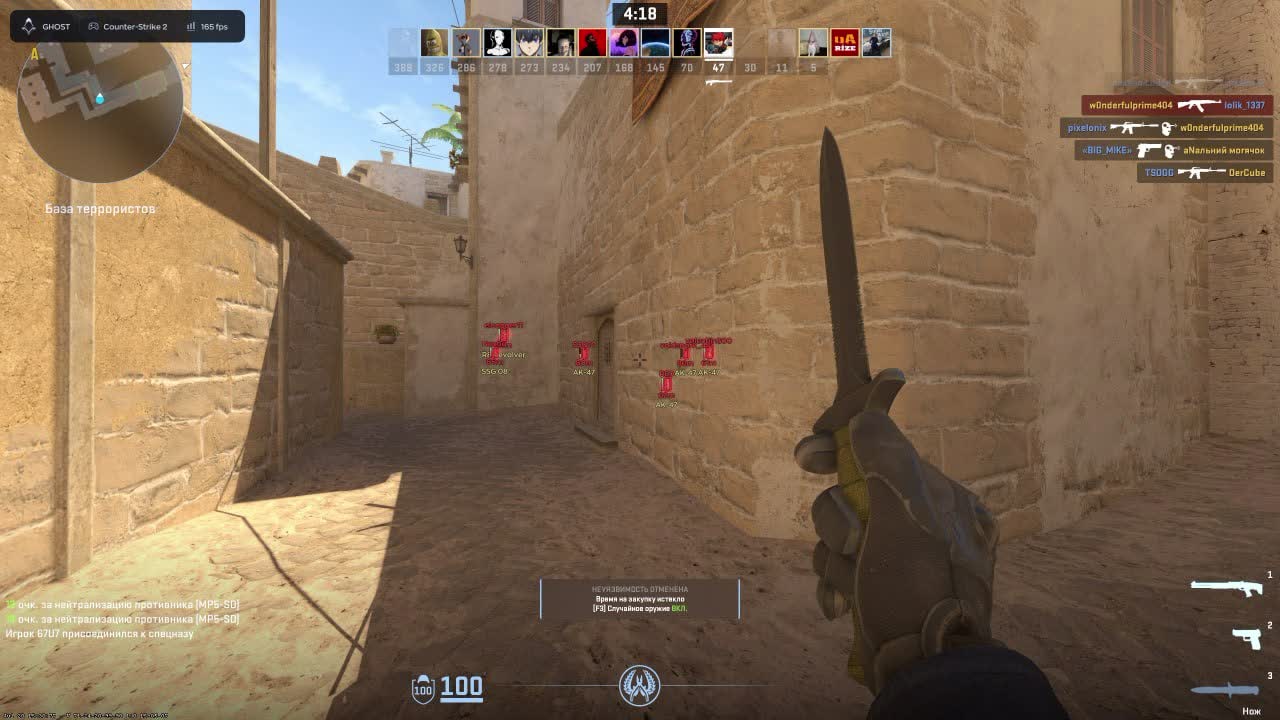
- A box around the player with separate colors for visible and wall-blocked targets, plus bones. The pose tells you whether they hold an angle or run.
- Name and health
- Nickname and an HP bar above the model. You push a wounded opponent after a trade with confidence rather than a guess.
- Weapon and distance
- The gun in their hands is shown as a name or an icon, with range beside it. Whether to cross open mid against an AWP is decided before you peek.
- Glow and target line
- An outline on the model and a line leading to the enemy. Useful in the dark corners of Inferno and inside smoke.
- Off-screen arrows
- Pointers to anyone outside your view. A flank shows up before the player reaches the edge of your monitor.
- Teammates and visibility filter
- Teammates can be drawn or dropped, and a visible-only mode leaves nothing on screen except targets in direct line of sight.
Extra ESP
- Armor and helmet
- You see whether a target has kevlar and a helmet. Head or body is decided before the first shot.
- Money and rank
- The opponent's balance and rank above the model. Their economy tells you whether the next round is an eco or a full buy.
- Bomb and defuse
- Tags for carrying the bomb, defusing and holding a kit. Who plants and who is defusing right now is visible without a callout.
- Target state
- Separate labels for in-crosshair, flashed and reloading. You pick the moment to peek on facts instead of instinct.
- Visual 3D preview
- The menu model shows how labels, distance and weapon data will sit. Colors are tuned without leaving for a match.
World
- Radar
- A custom radar with outline, background and scale. Dot style is circle, square or cross, with size and maximum distance on sliders.
- Bomb timer
- A countdown to detonation on screen. Whether you make the defuse with or without a kit is calculated for you.
- Grenade prediction
- Throw trajectory with the landing point. Smokes and molotovs land where you want without memorized lineups.
- Spectator list
- Shows who is currently watching you. The moment an extra name appears in spectators, drop the heavy settings.
Misc
- Anti-flash
- Removes the blinding effect of a flashbang. Pushing through a flash stops being a lost fight by default.
- Remove scope
- Clears the sniper scope overlay. Your view while zoomed is wider than a normal AWPer's.
- Radar hack
- Every enemy is drawn on the in-game radar. The information reads with the same glance you already use.
- FOV changer
- Camera field of view on a slider. Wider peripheral vision means flanks register earlier.
Items
- Dropped weapon ESP
- Guns on the ground are highlighted by name or icon, with a background and adjustable font size. On an eco you know where a teammate's drop landed.
- Ammo and distance
- Shows remaining ammunition in a weapon and cuts markers past a maximum range. No sprinting across the map for an empty gun.
- Weapon filter
- Search by name and pick specific models: AK-47, AWP, M4A4, M4A1-S, AUG, FAMAS, Galil, G3SG1, M249 and the rest. Keep only what you would actually pick up.
Settings
- Hide from capture
- The overlay stays out of OBS and screen recordings. Streams and clips come out clean, with no menu in frame.
- Configs
- Create, save, load and delete presets, with search by name. One config for legit play, another for practice.
- Menu and interface
- Opens on Home by default and the bind is editable. DPI scale, text shadow, an active-bind indicator and a watermark are all optional.
- Crosshair and language
- A custom crosshair with color selection plus an interface language switcher. English is the default.
Product Description
Ghost CS 2
Ghost CS 2 is a aimbot for Counter Strike 2. Aimbot with FOV, smoothing and target filters in the menu; Field of view; Chests and ground loot: name, range, rarity; empties stay hidden. Steam. No HWID spoof in the box. Status: working.
Ghost CS 2 — Counter Strike 2
Ghost CS 2 is a aimbot for Counter Strike 2. Aimbot with FOV, smoothing and target filters in the menu; Field of view; Chests and ground loot: name, range, rarity; empties stay hidden. Steam. No HWID spoof in the box. Status: working.
What you actually get
- Aimbot with FOV, smoothing and target filters in the menu
- Field of view
- Chests and ground loot: name, range, rarity; empties stay hidden
- Target priority
- Recoil control
- Humanizer
Risk, plainly
Private software still carries a ban risk. Read the live status on the listing. Keep farm accounts off the main if the build automates movement.